
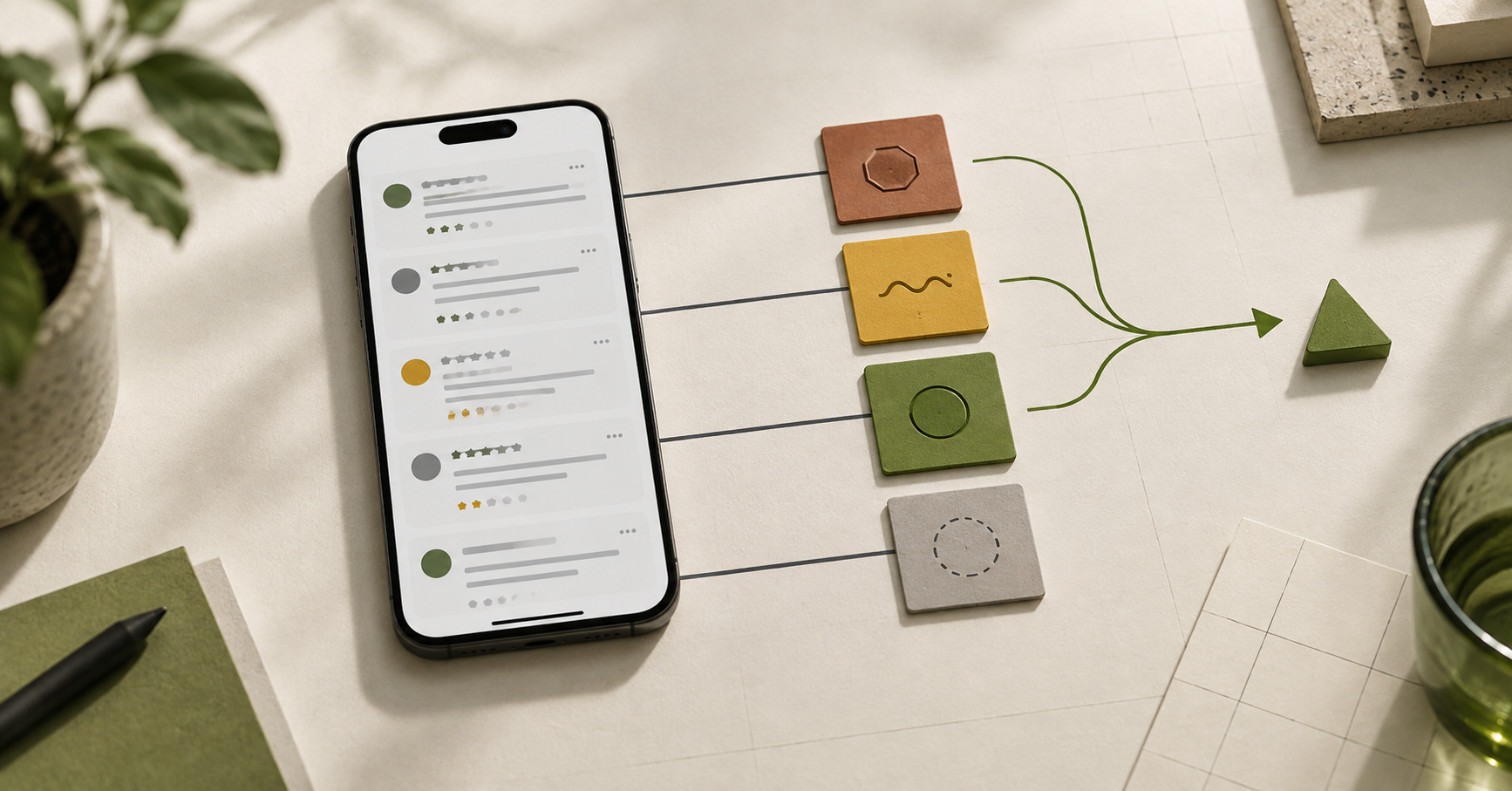
App reviews can reveal where people struggle, but they are not a ready-made product roadmap. The useful work is turning recurring feedback into testable product questions before choosing a fix.
For a startup or SaaS team, reviews are often the fastest public record of friction. They can point to a confusing task, a missing capability, a reliability issue, or a customer expectation the product never intended to meet. Those are different problems. Treating them as one "UX backlog" leads to weak priorities and expensive rework.
Start with a review ledger, not a list of quotes
Collect the feedback in a simple table before discussing solutions. Keep the original wording and add only the context you can verify:
Capture | Why it matters |
|---|---|
Review date and product version, if available | Prevents an old issue from being treated as current. |
User task or journey | Keeps the discussion tied to what the person was trying to do. |
Exact complaint | Preserves the signal instead of rewriting it as a team assumption. |
Suspected problem type | Makes uncertainty visible. |
Related support, analytics or research evidence | Shows whether the signal recurs beyond one review. |
Do not turn a star rating into a diagnosis. A low rating tells you that an experience disappointed someone; it does not establish why.
Sort each review before you prioritize it
Use four working categories. They are a triage tool, not a verdict.
1. Reliability or defect
The person describes a crash, failed payment, lost data, incorrect result, login failure or another behavior that contradicts what the product should do. Route this to engineering triage first. A design change may still help explain recovery or prevent a repeat, but it does not replace fixing the underlying failure.
2. Usability friction
The product may work, but the person cannot find, understand or complete an intended task. Look for concrete moments: where they stopped, what label confused them, what information was missing, or which step felt unexpectedly difficult. This is a strong candidate for an expert review and, where the risk is meaningful, usability testing.
3. Missing capability or policy mismatch
The reviewer wants something the product does not offer, or objects to a deliberate rule such as pricing, eligibility or permissions. That is a product and commercial decision, not automatically a usability failure. Record the affected segment and the job they are trying to complete before promising a feature.
4. Context you cannot yet classify
Some reviews are too vague: “doesn’t work,” “confusing,” or “not worth it.” Keep them in the ledger, but do not convert them into a backlog item until another source adds context.
Turn recurring language into a question the team can answer
The next step is not “redesign the flow.” It is a precise question.
Review pattern | Weak backlog item | Better question |
|---|---|---|
“I couldn’t finish setup.” | Improve onboarding | At which setup step do new customers lose the information or confidence needed to continue? |
“I was charged twice.” | Fix checkout UX | Is this a payment defect, a duplicate-confirmation problem, or a misunderstanding caused by the transaction status? |
“Where is export?” | Add export button | Do the intended users recognize the export option and know when it is available? |
“This should integrate with X.” | Build integration | Which job is blocked, for whom, and is the requested integration the only workable route? |
Planning research around explicit questions helps a team choose an appropriate method rather than treating an assumption as a finding. GOV.UK’s research guidance makes the same distinction: define the question and select activities that can provide reliable answers.
Add corroboration before you change a high-impact flow
Reviews are valuable directional evidence. For a decision that affects a core journey, add the smallest useful second source:
- Support conversations or tickets can clarify the circumstances and wording.
- Product analytics can show where a journey changes, but not necessarily why.
- Session review can show the sequence around a problem, subject to your privacy controls.
- Moderated usability testing lets a team observe people attempting a specific task; it is appropriate when the key unknown is comprehension or completion. GOV.UK: moderated usability testing
- An expert UX audit can identify likely friction and prioritize what to inspect next. It does not prove that every user behaves the same way.
Use the level of corroboration to match the cost of being wrong. A copy clarification may deserve a lightweight check. A change to pricing, onboarding, permissions or checkout deserves a clearer evidence trail.
Prioritize decisions, not the loudest complaint
Once a pattern has enough context, score it in a short decision review:
- Affected task: Which meaningful task is at risk?
- Evidence strength: Is this one report, a recurring pattern, or confirmed by another source?
- Impact if unresolved: What happens to the customer and the business if the issue continues?
- Uncertainty: What still needs to be learned before choosing a solution?
- Next smallest step: Defect triage, expert review, usability test, policy decision, or design work?
This produces a backlog that says what the team knows, what it suspects and what decision comes next. It is more useful than a list of feature requests labeled “UX.”
When to bring in an outside UX review
An outside review is useful when feedback points to a live journey but the team cannot yet see the pattern clearly, or when several possible fixes compete for the same engineering time. Bring the review ledger, the affected flow and the decision that needs to be made. If the central question is how representative users understand or complete the task, plan validation alongside the review.
Pengreen helps startup and SaaS teams turn scattered feedback into a prioritized next step: a focused diagnostic, a product UX audit, targeted validation or design work. Explore Pengreen’s UX audit approach or talk through a startup/SaaS product challenge.


